


Choose your frame
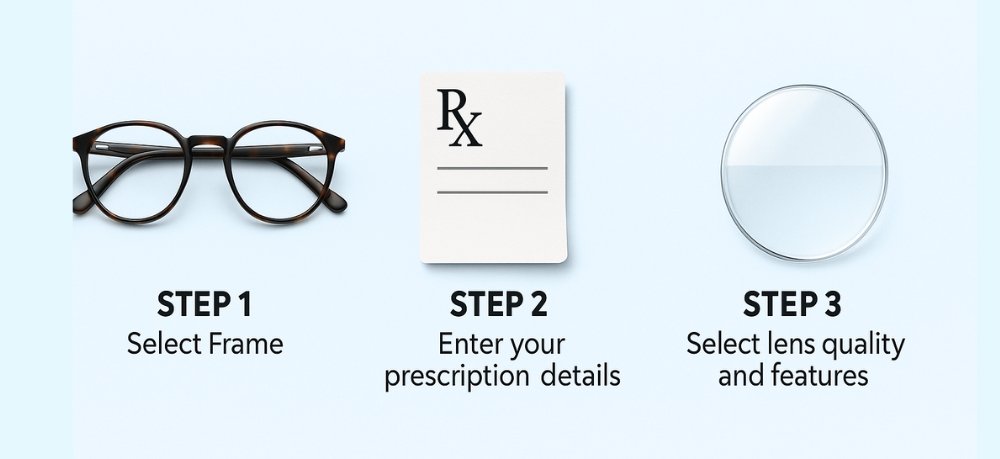
Browse Men, Women and Kids collections. Compare shape, dimensions, color and fit before selecting a frame.
- Rectangle for a defined look
- Round for a softer profile
- Square for a confident silhouette
- Cat-eye for an expressive shape

Choose a frame, tell us how you use your eyes, add your prescription and let our optical team review the details before preparation.
You do not need optical expertise to place an order. Use the information on your prescription and our team will review anything that needs attention.
Browse Men, Women and Kids collections. Compare shape, dimensions, color and fit before selecting a frame.
Choose the option that matches how you need to see.
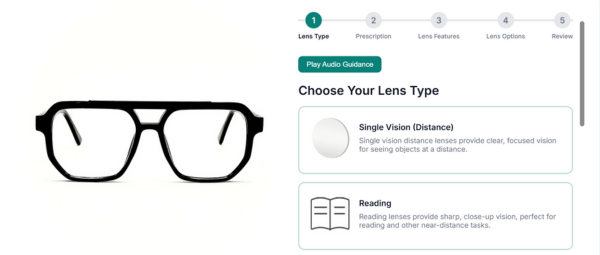
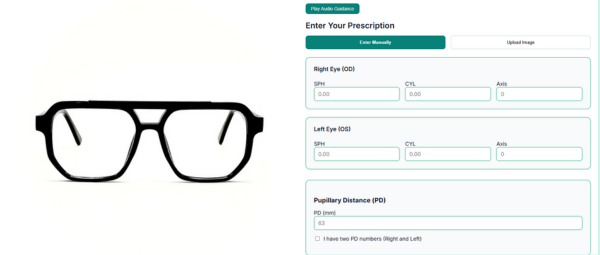
Enter OD/OS values manually, upload a clear prescription image or reuse a saved prescription when signed in.
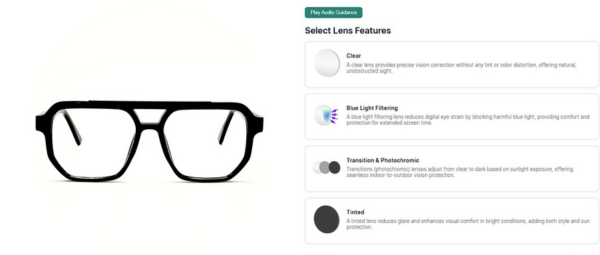
Select the lens behavior best suited to your everyday environment.
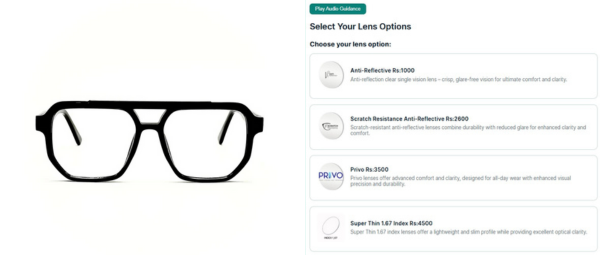
Finish the lens setup with the available coating or material options.
Confirm the frame, color, prescription method, lenses and price before entering delivery and payment details.
Copy the values exactly as shown on your current prescription. If anything is unclear, upload the image for optical review.
Contact-lens ranges vary by product. Choose values for both eyes from the powers manufactured for that lens, or upload a clear prescription for expert confirmation.
Select OD and OS values from the available product range. Toric lenses also collect CYL and Axis.
Upload a clear JPG, PNG or WEBP prescription and continue to checkout without guessing values.
Uploaded or specialized prescriptions are checked before production and final pricing is confirmed with you.
If your prescription is difficult to read, unusually high, or you are unsure which lens option suits you, complete the easy steps and our team will confirm the details with you.
Adjust how this website appears. Your choices are saved on this device.